Roles & access
AgentData is multi-tenant with role-based access control (RBAC). Every user belongs to a tenant (client_id) and has a role that determines what they can do. Users, roles and tenants are managed under Admin → Users.
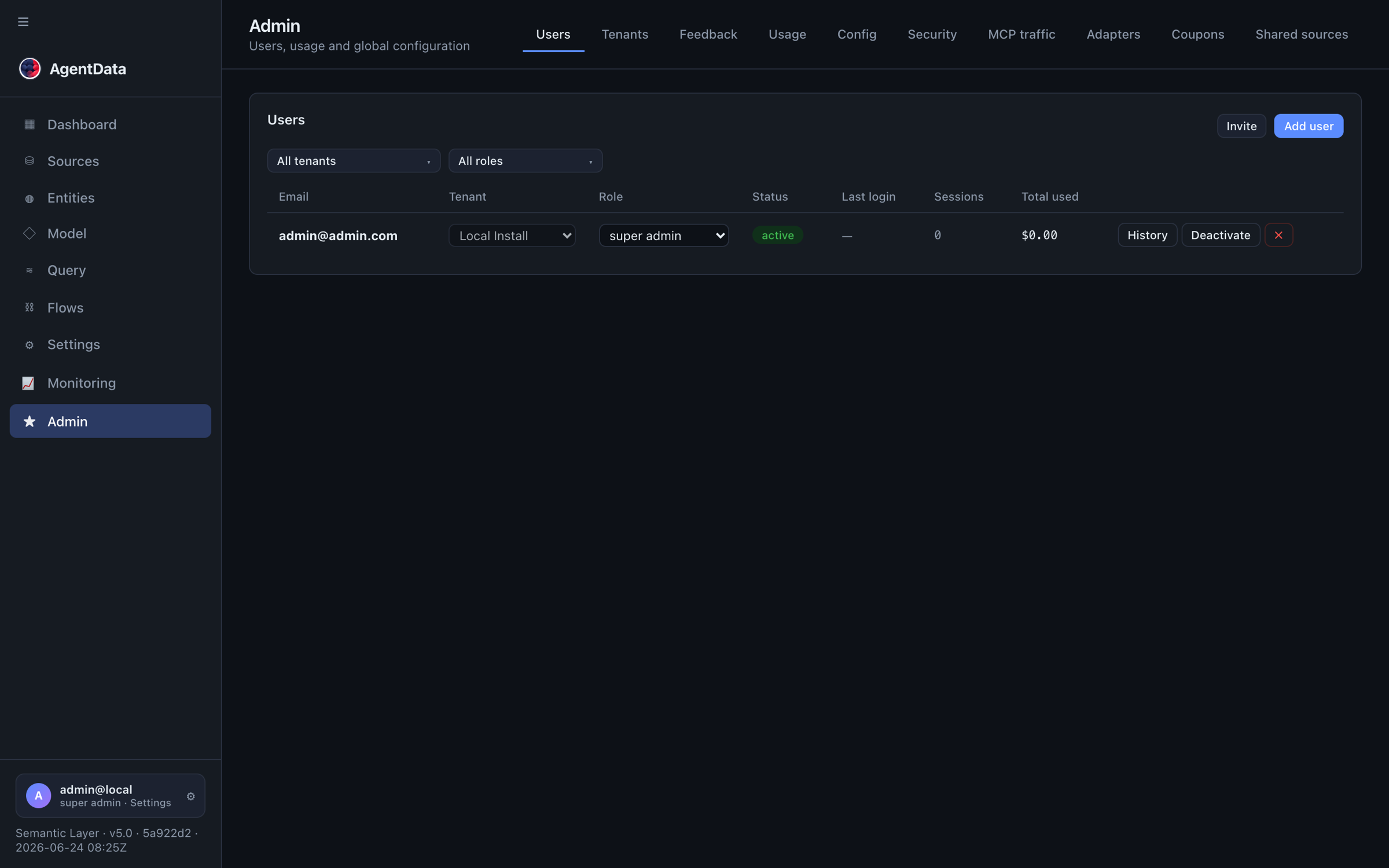
Roles
| Role | Can do |
|---|---|
| viewer | Read-only. Browse the model, run saved queries, and create their own API keys. |
| editor | Everything a viewer can, plus register/edit sources, run scans, edit entities and the model, and create/run queries. |
| admin | Everything an editor can, plus manage their own tenant's users (invite, add, change roles, deactivate). |
| super_admin | Everything, across all tenants — users, billing and global settings. |
Roles are hierarchical: each role includes every permission of the ones above it in the table.
How it's enforced
- Data endpoints (
/api/sources,/api/entities,/api/query/*, …): read (GET) requires viewer; writes (POST/PUT/DELETE) require editor. A handful of viewer-safe writes (like running a saved query) are allowed for viewers. - Admin endpoints (
/api/admin/*): require admin (or super_admin for cross-tenant actions). - Role assignment limits: an admin can grant
vieweroreditor; a super_admin can grant any role and move users between tenants. A guard prevents removing the last admin of a tenant.
Tenant isolation
Every source, entity and query belongs to a tenant. Queries are automatically scoped to the caller's tenant, so users only ever see their own tenant's data — a super_admin is the only role that can cross tenant boundaries.
API keys inherit your scope
API keys you create are scoped to your tenant, and you can further restrict each key (e.g. read, query, flows) when you create it on the MCP connect screen — a read-only key can't run queries or flows. Pick the minimum a connector needs.